
Changing Your Password
You can update your Curator password at any time from your Profile settings.
How to change your password
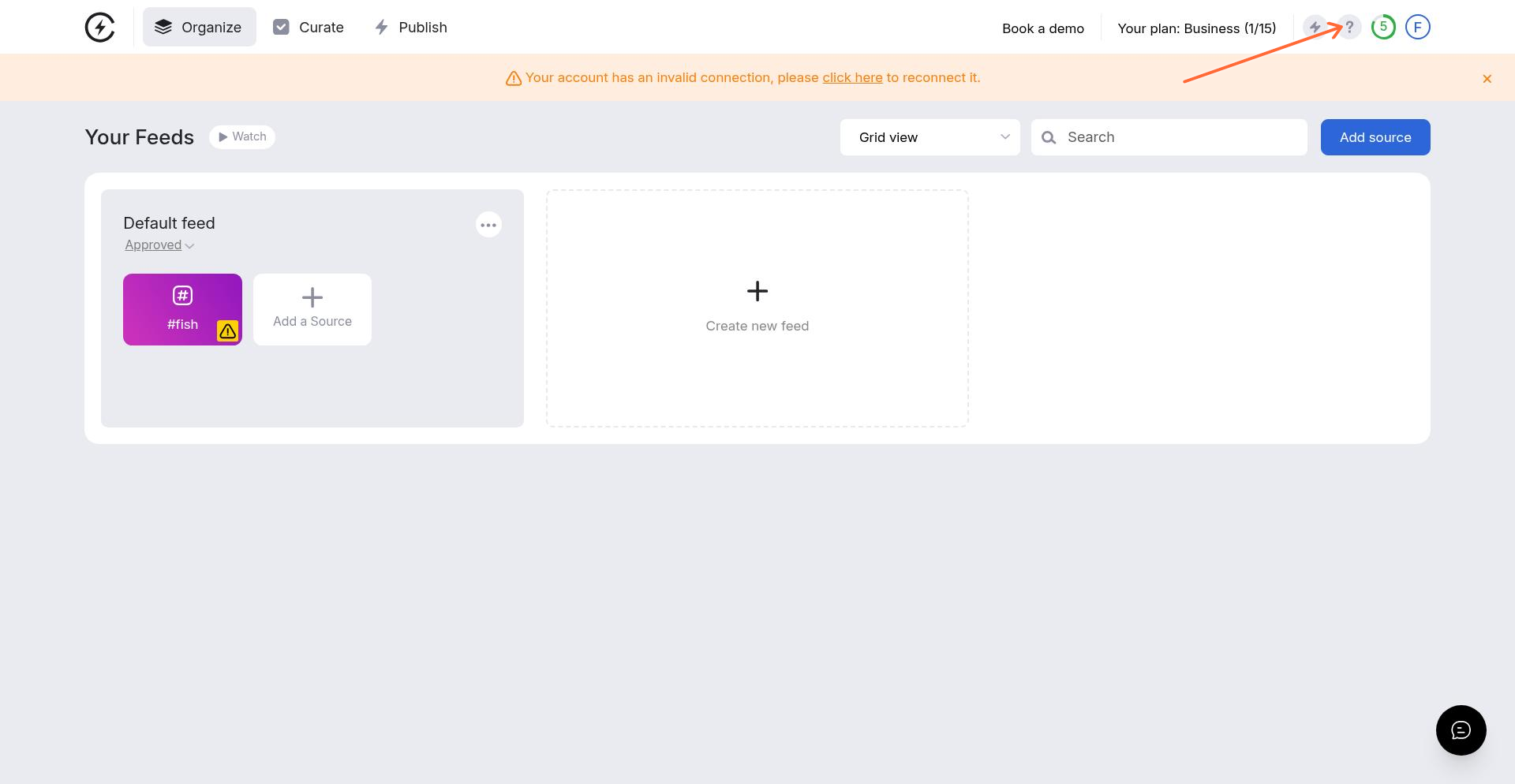
Click your profile avatar in the top-right corner of the dashboard
Select Profile from the dropdown menu
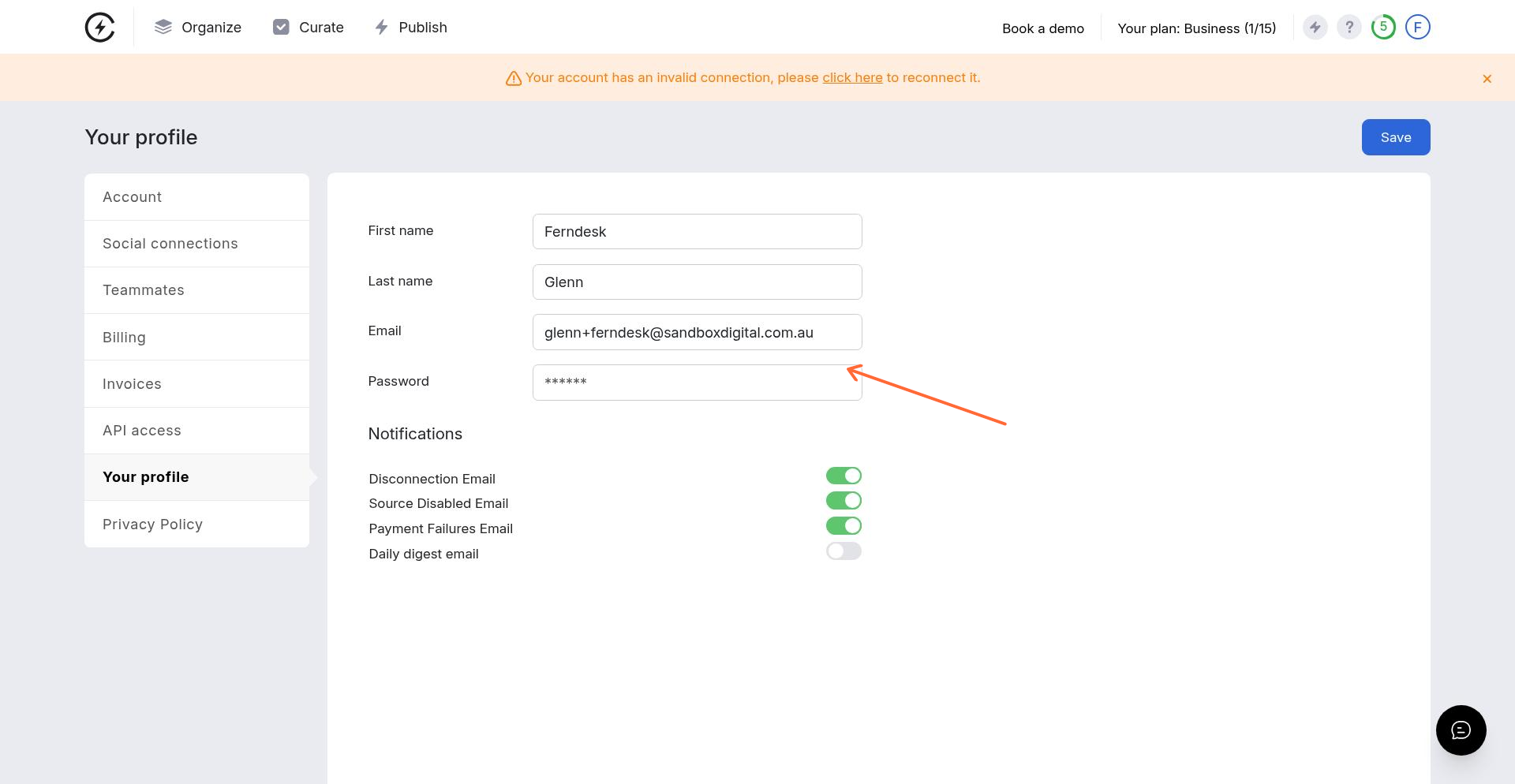
In the Password field, enter your new password
Click Save at the bottom of the page
Your new password will take effect immediately. Make sure to save it securely.
If you've forgotten your password
If you can't log in, use the Forgot your password? link on the login page. You'll receive an email with instructions to reset your password.
Was this helpful?
Was this helpful?