
Understanding Save, Publish Changes, and Get Code
When working in the Publish section, you'll see three buttons that control how changes to your feed are applied. Each serves a different purpose.
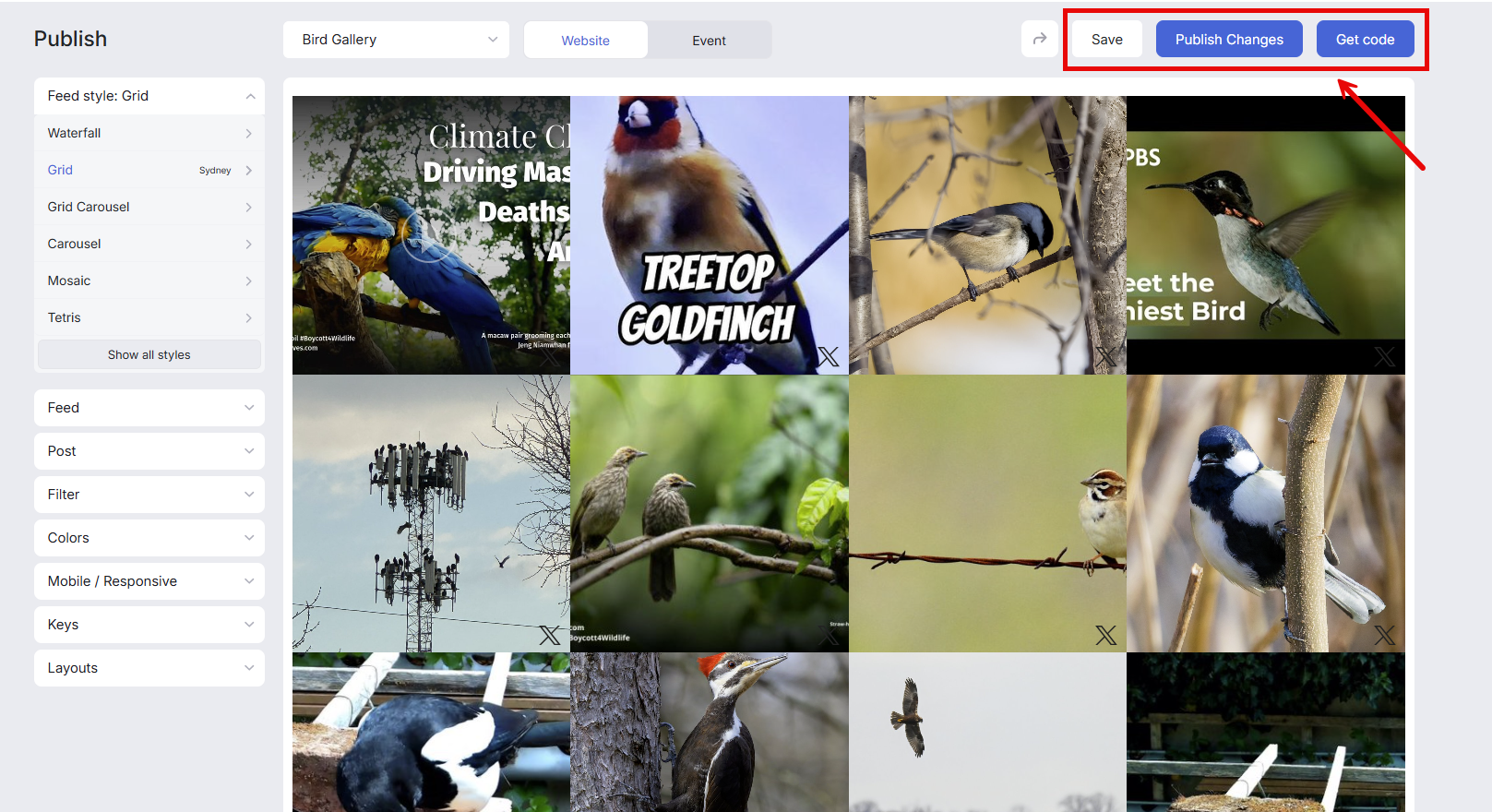
Save
Saves your changes internally without affecting your live embedded feed. The updates are visible only to you, your teammates, and anyone viewing the demo feed (if you've shared it with colleagues or clients). Use this when you're still testing or refining your feed.
The “Save” button for Event Style works differently—it publishes the changes instead of just saving them. This behavior only applies to Event Styles.
Publish Changes
Publishes all saved updates, making them live on your embedded feed. Your website visitors will see the changes immediately. Use this when you're ready to push your updates live.
Get Code
Works the same as Publish Changes—it publishes your updates to the live feed—but also opens a modal with your embed code. Use this when you need to copy the code for a new embed or verify your current implementation.
If you only need to publish updates to an existing embed, use Publish Changes.
If you also need the embed code, use Get Code.
You can use Get Code in either case, as it will both publish the changes and provide the embed code.