
Generate a Demo Link for Your Feed
Once your feed is finalized with sources and ready to share, you can generate a demo preview link to show colleagues or clients how it looks—without embedding code or publishing to your site.
Make sure your feed has sources added and is configured on the Publish page before generating a demo link.
Generate the Demo Link
Go to your feed's Publish section.
Click the arrow icon beside the Publish or Get Code button.
A demo preview link will be generated, and a new tab will automatically open the demo preview
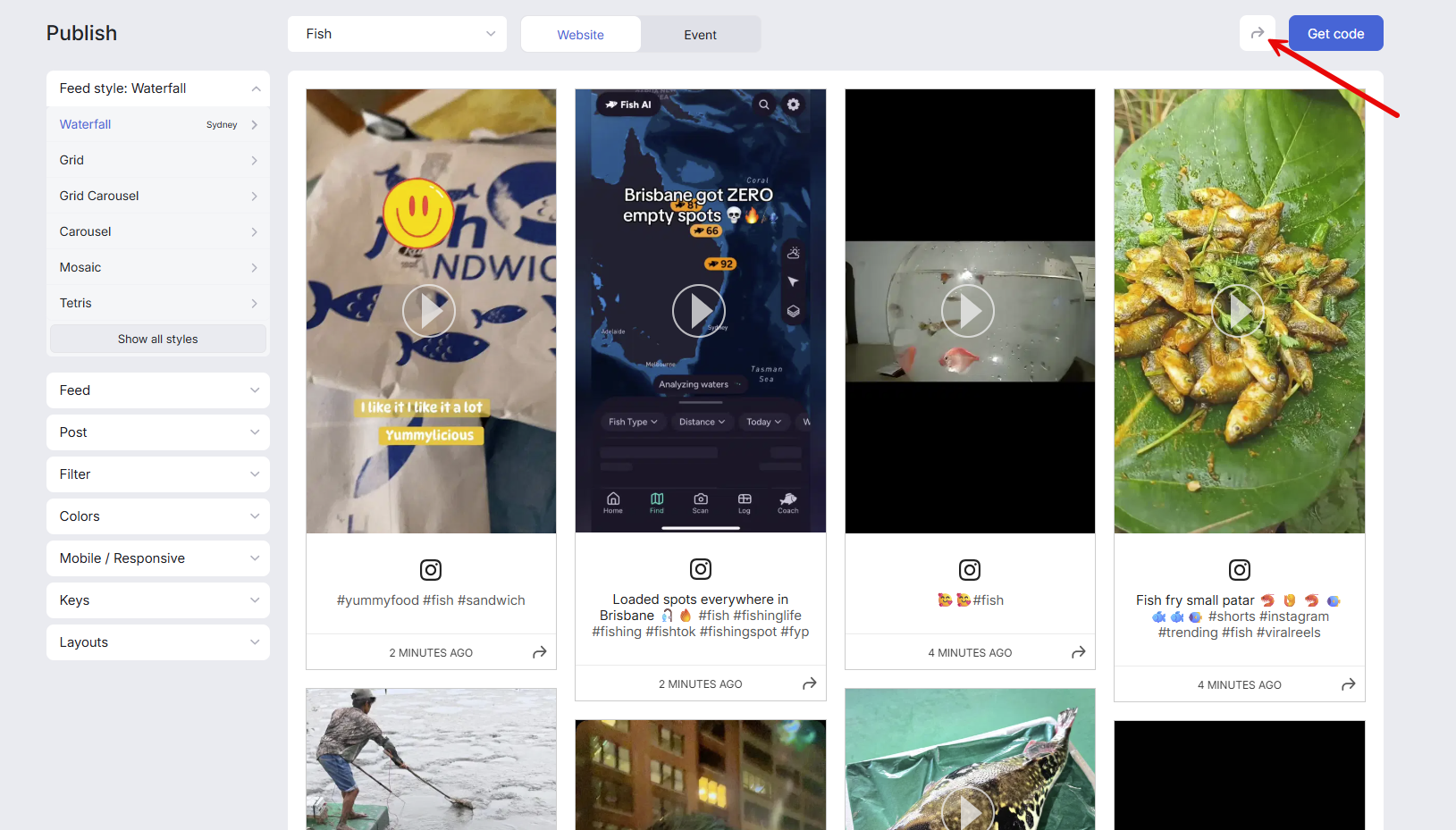
Share the Link
Copy the demo link and send it to anyone who needs to preview the feed. They can view the live feed without needing access to your Curator account.
Demo links reflect your feed's current state. If you update and Save any styling changes, the demo link automatically shows the latest version.